Scripted design with KLive
Designer (src/quantcore_circuits/designer.py) is the code-first route to a chip. You add components and routes in
Python, in a script or a notebook, and KLayout shows the chip as you go. Use it when you prefer code to clicking or
when a loop generates the design. It writes the same design.json as the plugin, so you can switch
between the two.
Ports are attributes (pw.a, q1.claw_n), every change is validated, and with live=True KLayout redraws after each
change (about 0.1 s per change when measured). The full API is a guided walk-through on the
Designer page.
A first chip
These steps are Tutorial 0 (quickstart tutorial). Each one gives a picture.
from quantcore_circuits.designer import Designer

d = Designer("t00_quickstart", box=(0, 0, 7500, 7500), chip={"name_chip": "QS1"}, live=True)
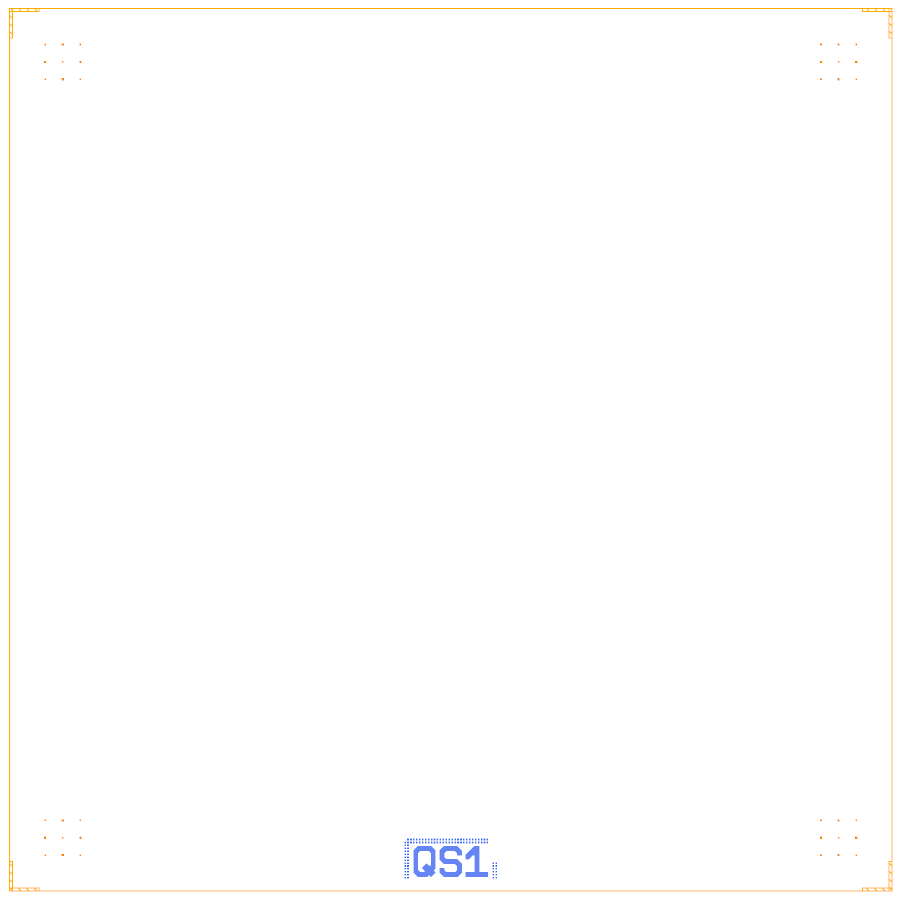
An empty 7.5 x 7.5 mm die: the PDK frame (dicing L at the corners, alignment grids) and the device ID QS1.
pw = d.add("PAD_W", "BondPad", at=(1125, 3750), rot=270, edge="auto")   # edge="auto": the 100 um pad rule
pe = d.add("PAD_E", "BondPad", at=(6375, 3750), rot=90, edge="auto")
fl = d.route("FL", pw.a, pe.a)                                         # CPW, PDK default 10/6 um

A bond pad after edge="auto": it slid out until the outer edge of its etch is 100 µm from the die edge.
q1 = d.add("Q1", "Xmon", at=(2975, 2100), cross_length=450, arm_width=25, gap=25, claws=["n"], junction=junction, **params)
r1 = d.route("R1", q1.claw_n, fl.hanger(near=(3125, 3750), length=300, side="right"), meander=L_R1, r=50)
d.targets(Q1={"f_q_GHz": 5.5}, R1={"f_GHz": 7.0})
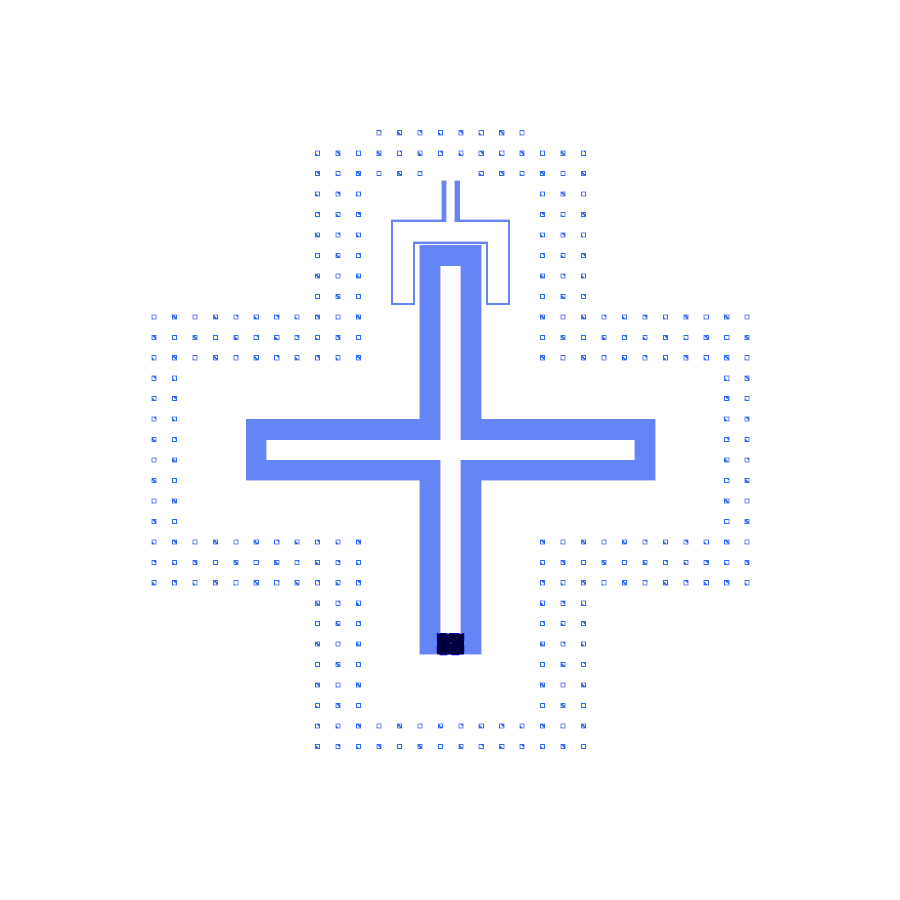
The Xmon with its trilayer junction and one readout claw.
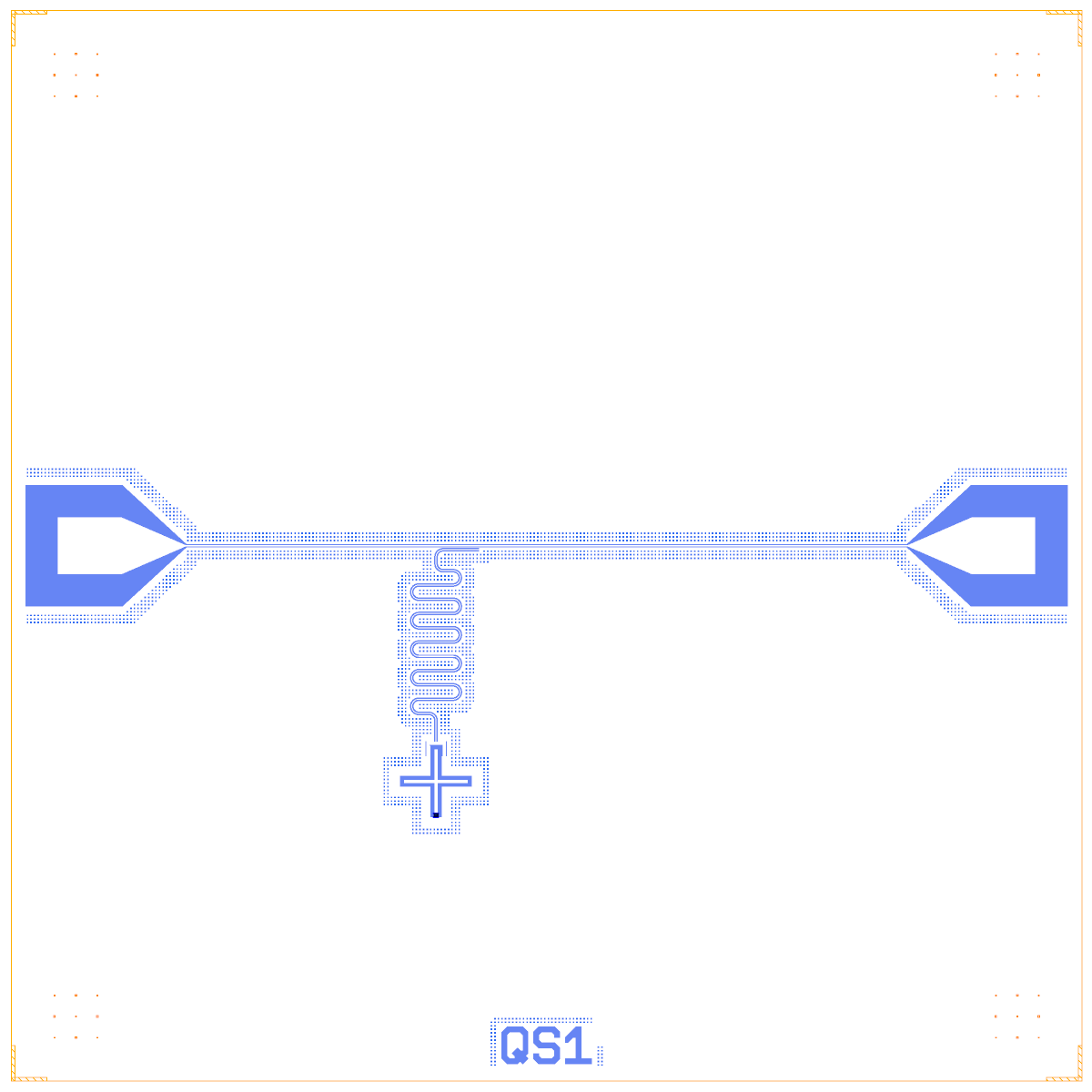
The finished chip: two pads, the feedline, the Xmon and its lambda/4 readout hung on the feedline.
junction and params come from layouts.registry.trilayer_junction("Xmon", lj_nH=...); L_R1 is the bare lambda/4
length. See the tutorial for both.
What you can call
Call |
What it does |
|---|---|
|
Start an empty die. |
|
Place a component; returns a handle with its ports |
|
CPW between two ports; |
|
Waypoints, free line ends, couplings |
|
Targets the LOM and the dashboard compare against |
|
Simulation groups (see simulation) |
|
Many edits, one rebuild |
|
The lumped netlist and the DRC report |
|
Write |
Handles also have .set(...): q1.set(junction=junction, **params) is one change and one rebuild.
KLive and the command line
klive is a small KLayout Salt package that listens on port 8082.
live=Truesends each rebuild to KLayout through the klive package (port 8082).live.klayout.open_klayout()starts KLayout with the plugin if no window is open and brings it to the front.qcc build DESIGN --showbuilds a design and opens it in KLayout.qcc watch DESIGNrebuilds on every save, with a debounce, and keeps the last good layout when a save is broken.Switches:
QCC_LIVE=0turns live off (builds are headless),QCC_KLAYOUT_GUI,QCC_KLAYOUT(path).live.snapshot.snapshot(oas, png, size=, box=)renders a layout headless;gui_snapshot()asks the plugin’s command server (port 8083) for a picture of the real window.
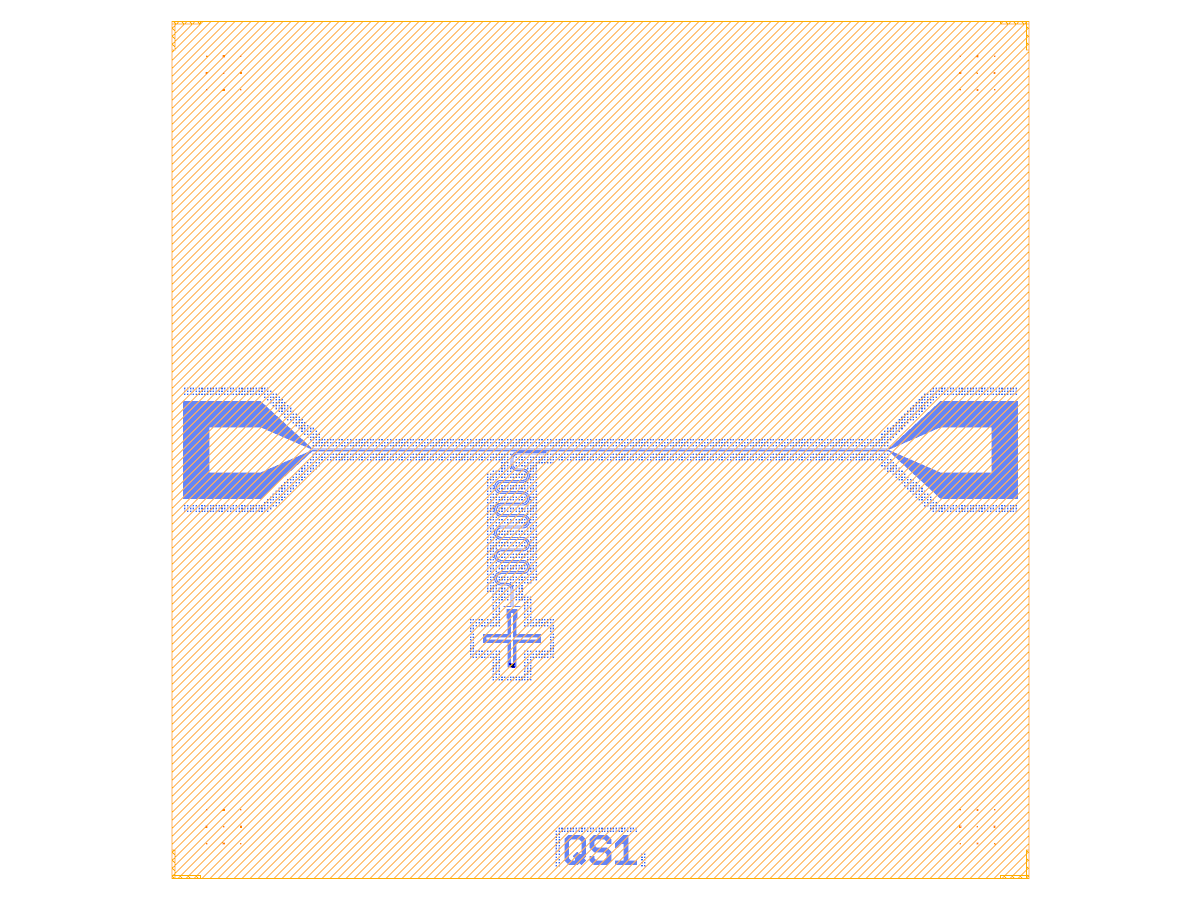
What the notebooks call “the KLayout window”: a headless render of the view with KQC colours, made by
live.snapshot.snapshot. It is not a screenshot of the KLayout window; for that, see the plugin tour.
Limits
There is no screenshot of KLayout open next to a Jupyter notebook during a live session yet.
Designer.load(..., live=True)does not autosave to its source file.Verified: the live loop, and opening, reopening and raising the KLayout window. “KLayout in front” still needs a check on an unlocked desktop.
klive needs its Salt package in KLayout. Without it KLayout is open but nothing listens on port 8082, and the rebuild is not shown. The plugin itself does not need klive.